
[中文] | [English]
📑Introduction
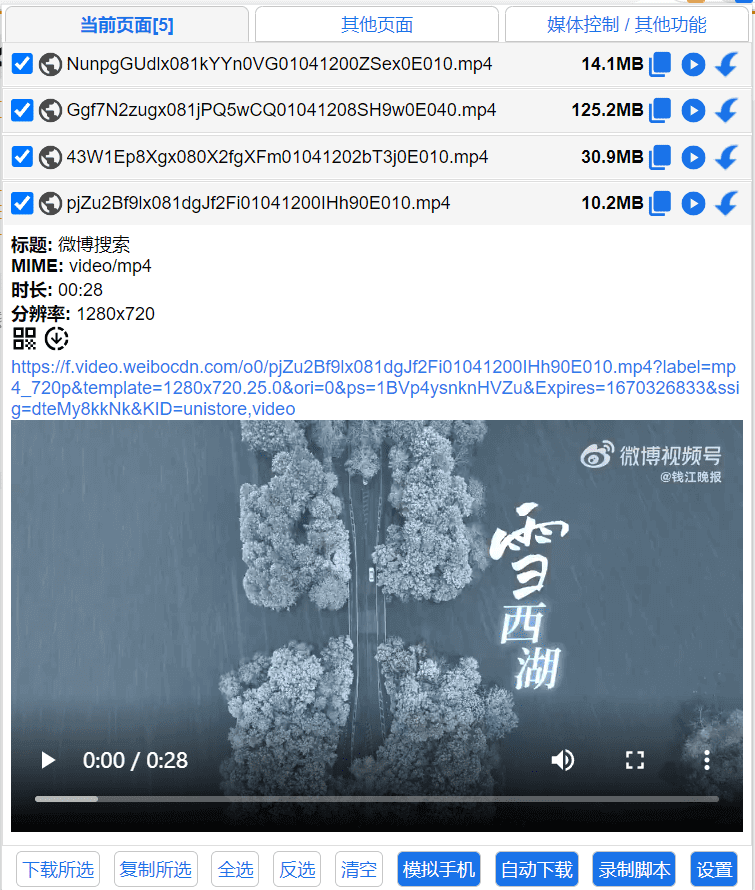
Cat-Catch is a resource sniffing extension that can help you filter and list the resources of the current page.
📖Installation
🐴Chrome
https://chrome.google.com/webstore/detail/jfedfbgedapdagkghmgibemcoggfppbb
🦄Edge
https://microsoftedge.microsoft.com/addons/detail/oohmdefbjalncfplafanlagojlakmjci
🦊Firefox
https://addons.mozilla.org/addon/cat-catch/ 😂Non-China IP required for access
📱Edge Android
💔Cat-Catch is open source, anyone can download, modify, and list it in the app store. There are already quite a few fake Cat-Catch extensions listed with added ad codes, please pay attention to your data security. All installation URLs are subject to github and user documentation.
📒Documentation
🌏Translations

📘 Installation Methods
App Store Installation
Install directly from the official extension store using the link provided.
Source Code Installation
- Git clone the repository.
- Open the extensions management page and enable "Developer Mode."
- Click "Load unpacked" and select the extension folder.
CRX Installation
- Right-click and save the CRX file from Releases.
- Open the extensions management page and enable "Developer Mode."
- Drag the CRX file into the extensions page.
📚Compatibility
After version 1.0.17, Chromium kernel version 93 or above is required. Use version 1.0.16 if below 93. For full functionality, use version 104 or above.
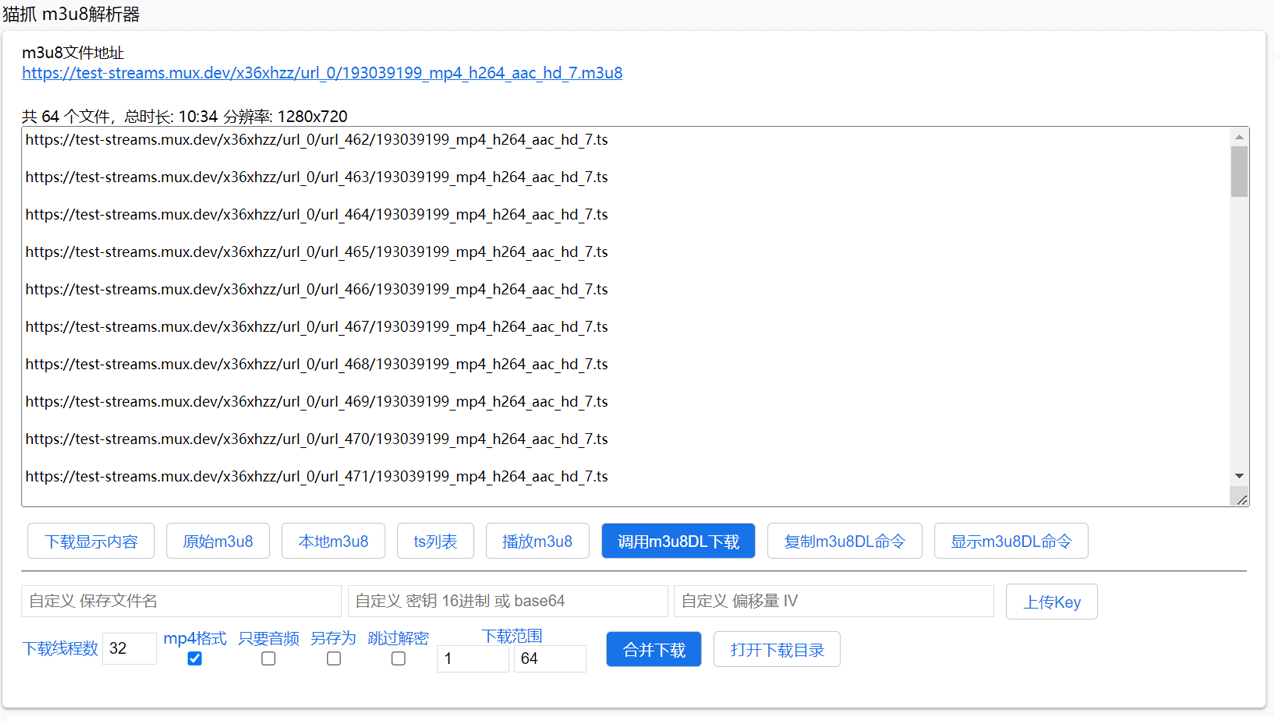
🔍Screenshot
🤚🏻Disclaimer
This extension is intended for downloading videos that you own or have authorized access to. It is prohibited to use this Tool for downloading copyrighted content without permission. Users are solely responsible for their actions, and the developer is not liable for any user behavior. This Tool is provided "as-is," and the developer assumes no direct or indirect liability.
🔒Privacy Policy
The extension collects and processes all information locally without sending it to remote servers and does not include any trackers.
💖Acknowledgements
📜License
GPL-3.0 license
Version 1.0 uses the MIT license.
Version 2.0 has changed to the GPL v3 license.
In order for the resource sniffing extension to develop well, it is hoped that extensions using the Cat-Catch source code will continue to be open source.